


How to Install & Maintain Cables for Optimal Performance
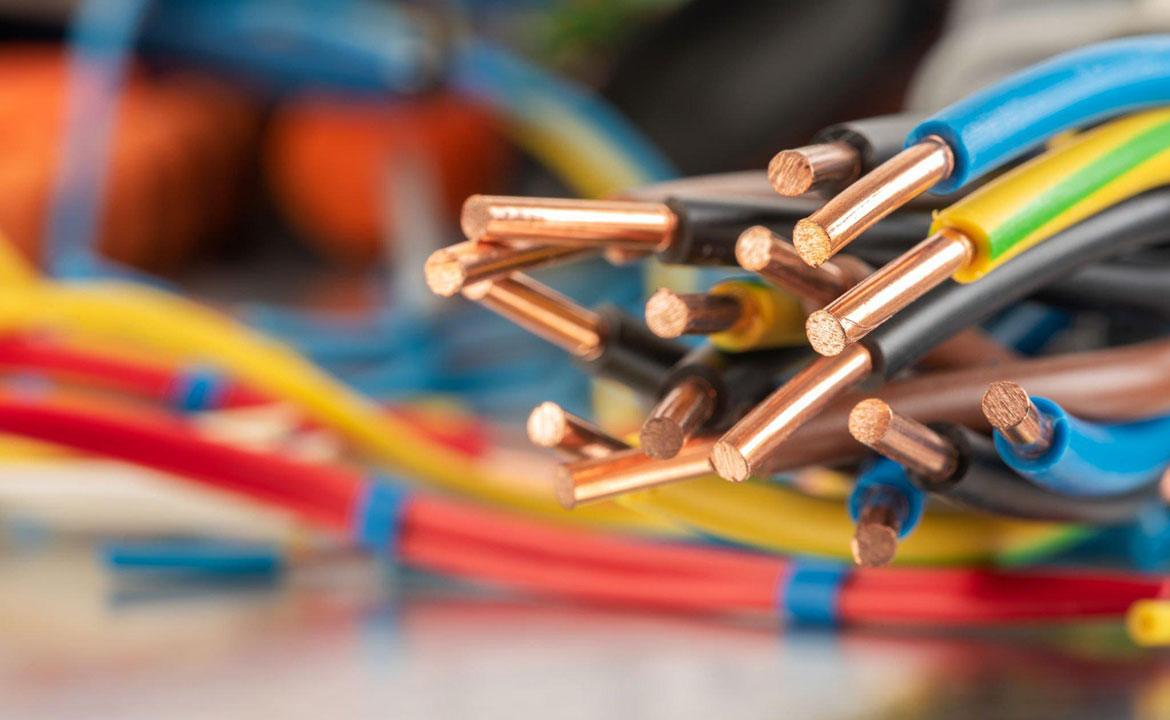
Cables are the lifelines that connect our modern digital world, enabling seamless data transmission, networking, and communication between devices.Whether it’s setting up a home entertainment system, creating a reliable internet connection, or connecting audiovisual equipment, proper installation and maintenance of cables are crucial for ensuring optimal performance and longevity. In this article, we will guide you through the steps to properly install and maintain your cables to achieve the best results and prevent potential issues in the future.
Choose the Right Cables for Your Needs:
Before installation, ensure you have the right cables for your specific requirements. Consider the purpose of the cable, the devices you need to connect, and the required specifications, such as data speed, resolution, or audio format. Choosing the appropriate cable type is the first step towards achieving optimal performance.
Plan Cable Routes and Lengths:
Before installing your cables, plan the routes they will take and determine the required cable lengths. Avoid excessive cable lengths, as they can lead to signal loss and interference. Measure the distances between devices and select cables that provide enough length to reach without creating unnecessary cable clutter.
Avoid Tight Bends and Stress on Cables:
During installation, be mindful of cable bends and stress points. Avoid sharp bends or kinks in the cables, as this can damage the inner wires and lead to signal degradation. Use cable clips or ties to secure the cables in place, ensuring they are not pulled tightly or stretched beyond their capacity.
Properly Connect and Secure Cables:
Ensure a secure and snug connection when attaching cables to devices or ports. Loose connections can result in intermittent signal loss or poor performance. Double-check that all connections are firmly in place and use appropriate connectors or adapters if needed.
Organize and Label Cables:
Maintain a well-organized cable setup by labeling each cable and using cable ties or sleeves to keep them neatly together. This not only reduces clutter but also makes troubleshooting and maintenance much easier in the future.
Protect Cables from Physical Damage:
Protect your cables from physical damage or exposure to harsh environmental conditions. Keep them away from sharp objects, heavy foot traffic areas, or extreme temperatures, as these factors can lead to premature wear and tear.
Regularly Inspect and Clean Cables:
Schedule regular inspections of your cable setup to check for any signs of damage or wear. Dust and debris can accumulate on cables and connectors over time, leading to reduced performance. Use soft, dry cloth to gently clean the cables and connectors, ensuring there is no moisture or debris left behind.
Performing Routine Tests and Maintenance:
Conduct routine tests on your cable connections and devices to ensure optimal performance. For networking cables, check internet speeds and connectivity regularly. For audiovisual setups, assess the picture and sound quality. Address any issues promptly to prevent potential long-term problems.
Conclusion:
Properly installing and maintaining your cables is essential for achieving optimal performance and longevity in your digital setups. By choosing the right cables for your needs, planning routes and lengths carefully, avoiding tight bends and stress points, securing connections, and organizing your cables, you can create a reliable and efficient cable setup. Regular inspections, cleaning, and routine tests will help identify and address any issues early on, preventing potential performance disruptions and ensuring seamless connectivity and communication between your devices. With proper installation and maintenance, your cables will serve as reliable lifelines, allowing you to enjoy the full benefits of your digital world with enhanced performance and peace of mind.

